
Affordable Performance for Gamers
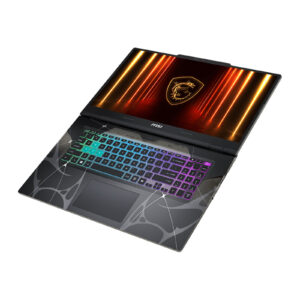
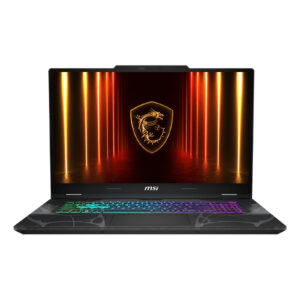
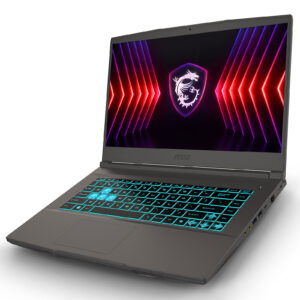
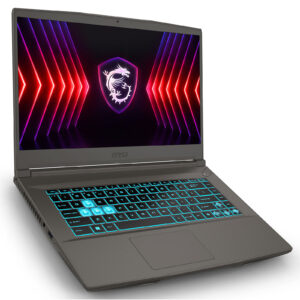
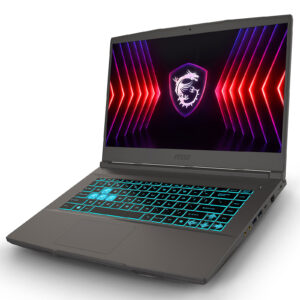
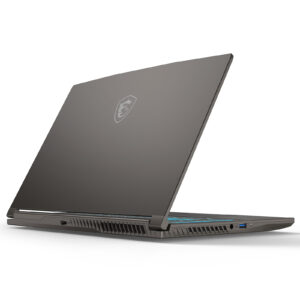
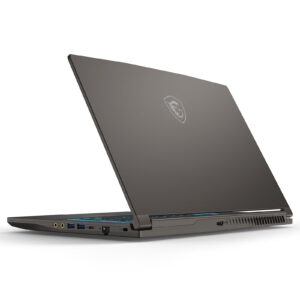
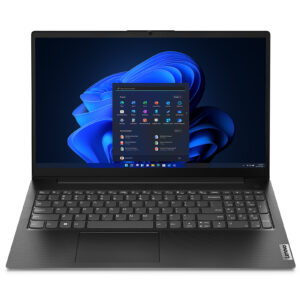
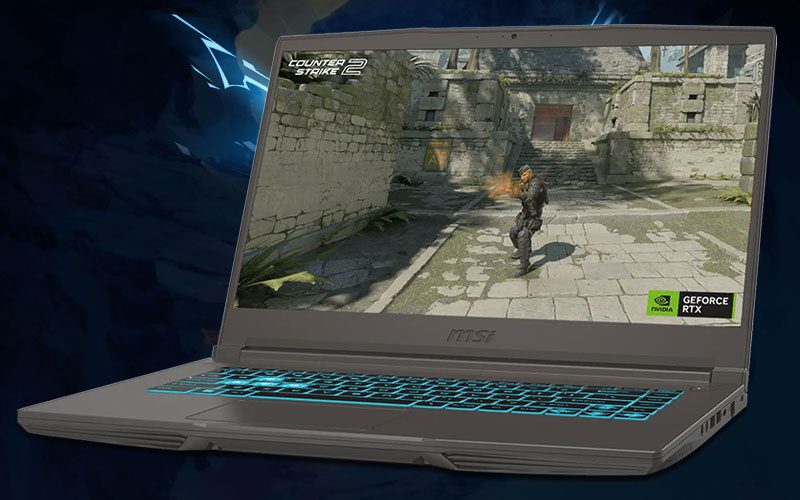
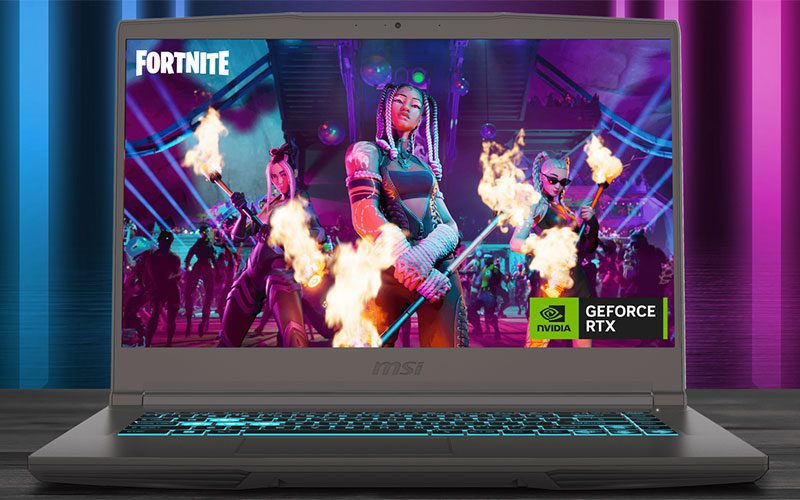
Enjoy excellent performance with the MSI Thin 15 B13U Gaming Laptop!
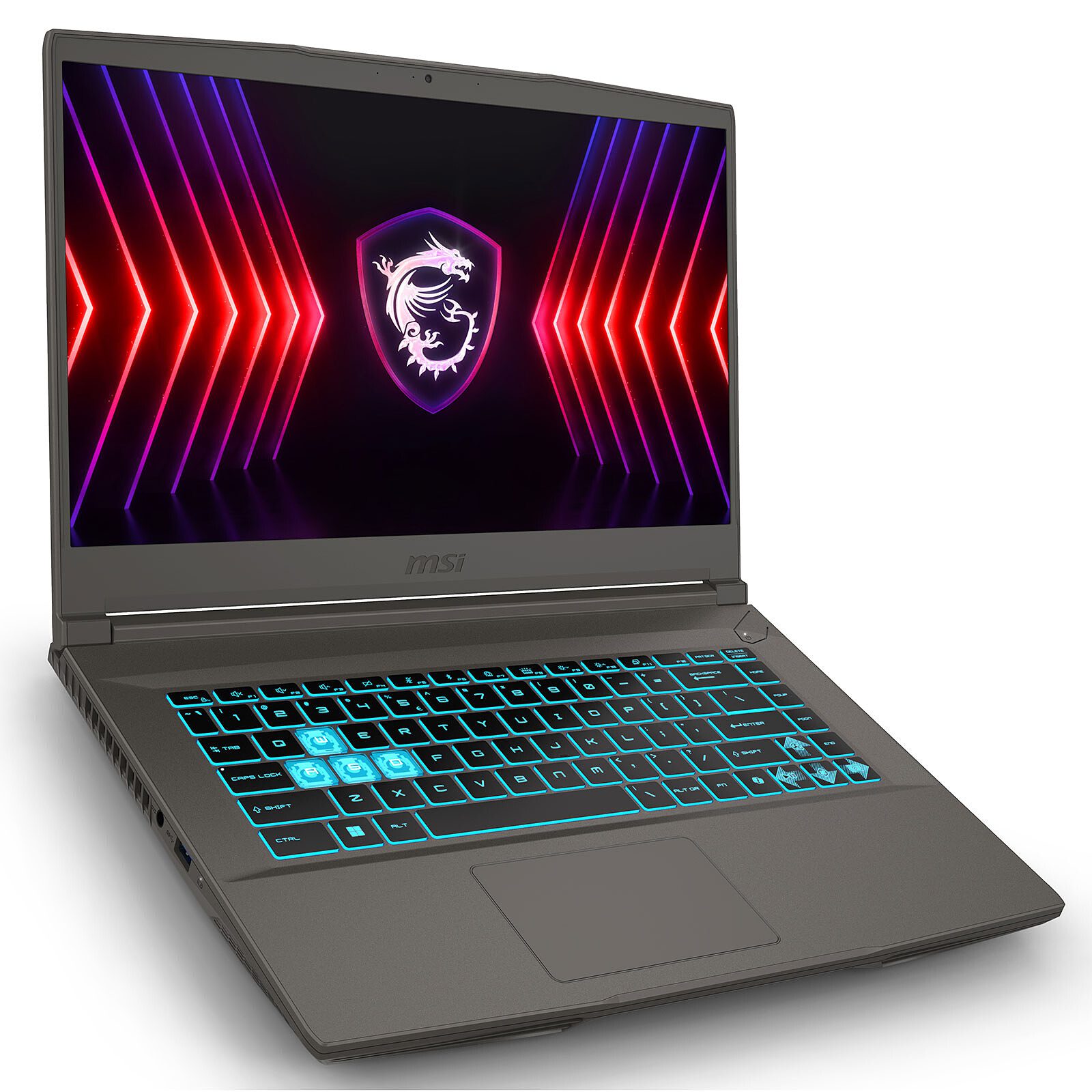
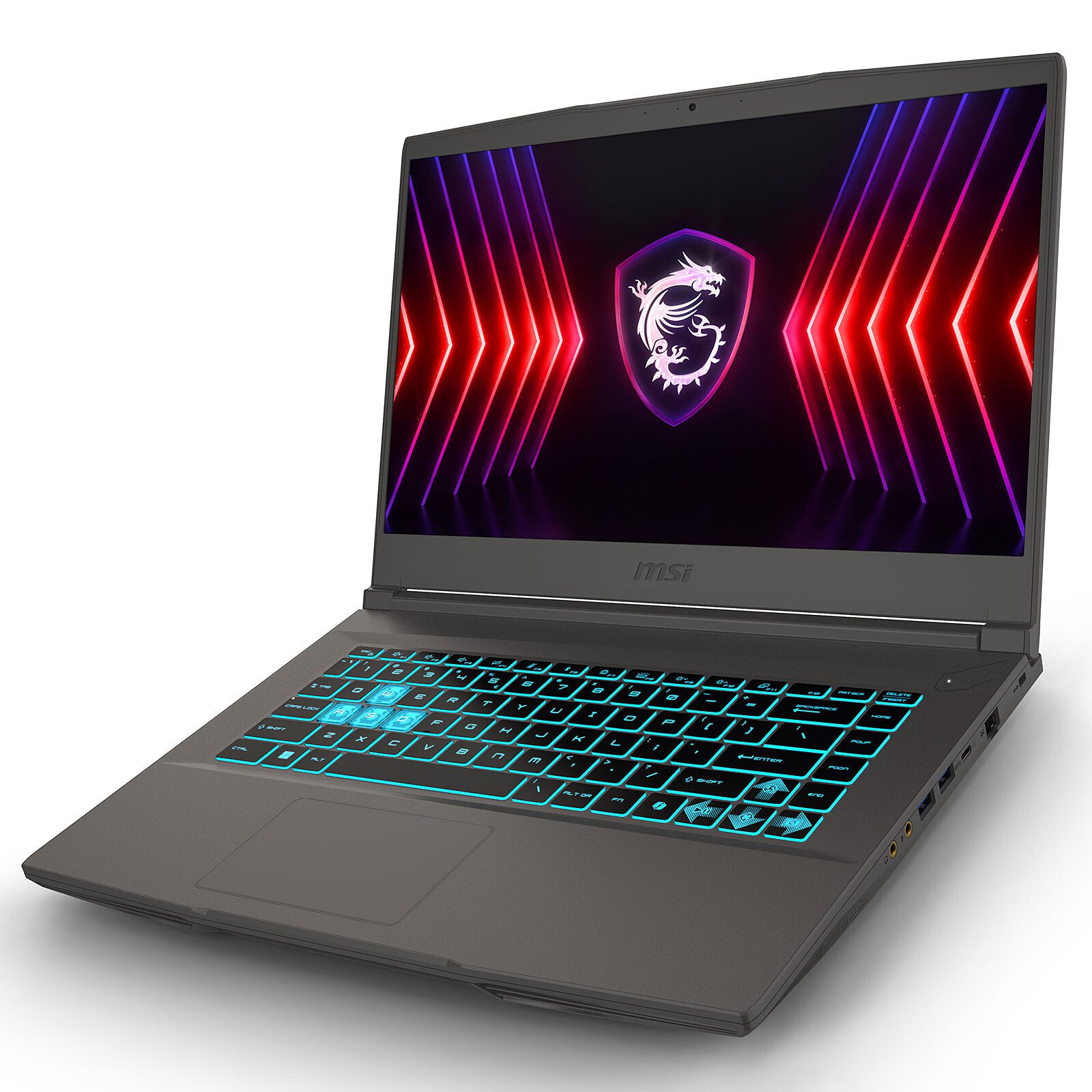
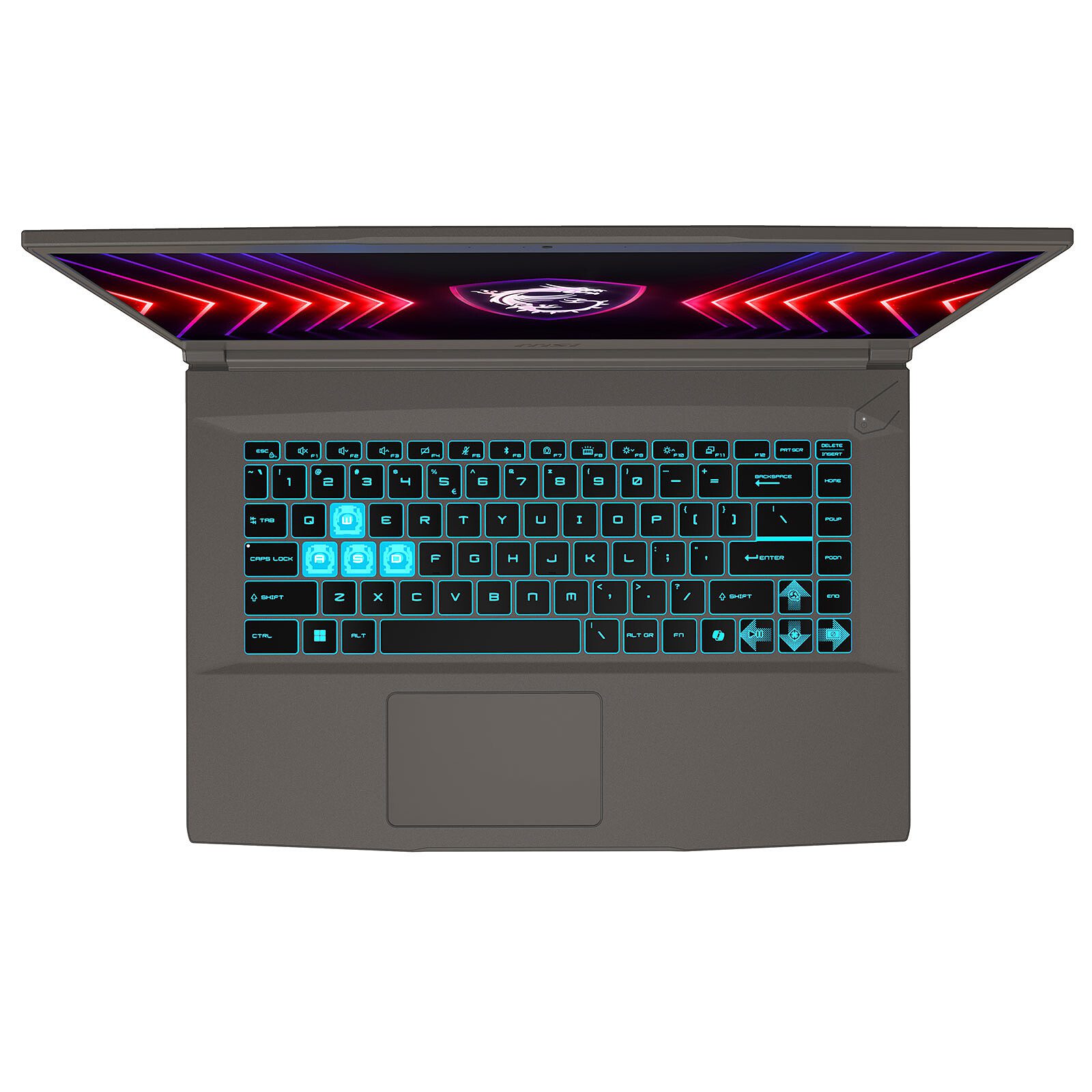
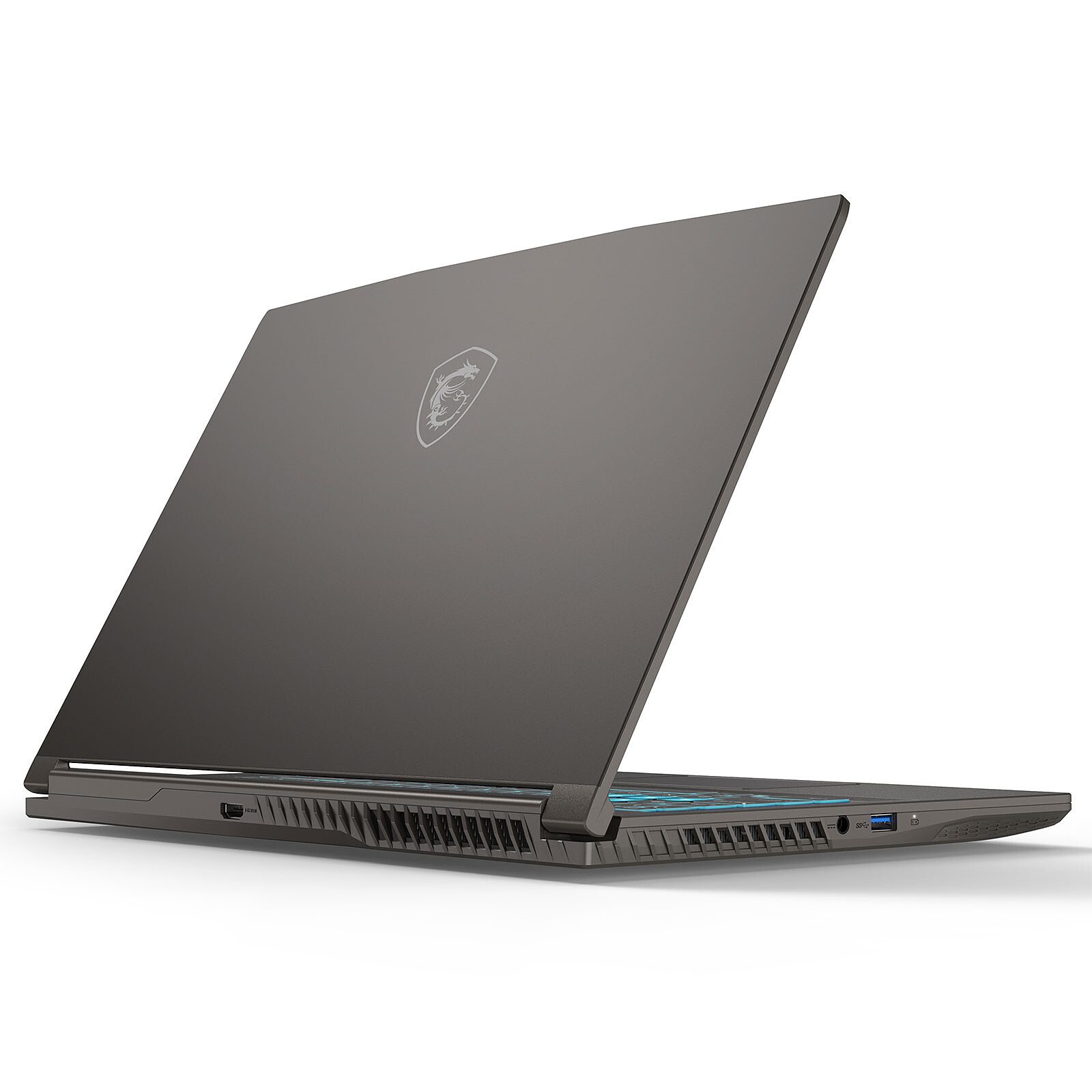
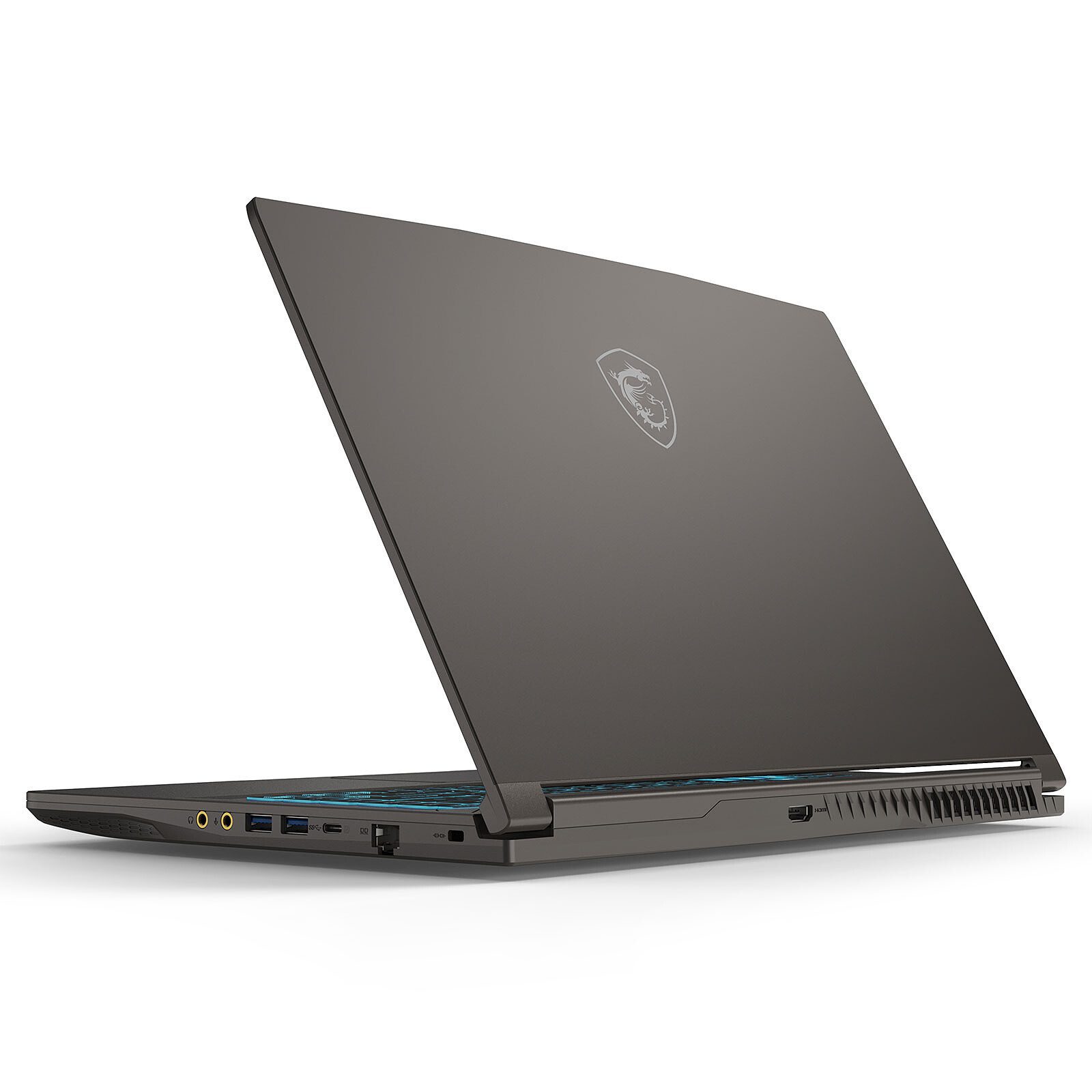
This MSI laptop offers perfect gaming comfort thanks to its high-performance components, 15.6″ Full HD 144Hz screen, backlit gaming keyboard, and powerful audio system. The MSI Thin 15 B13UCX-3018XFR laptop delivers excellent performance thanks to its Intel Core i5-13420H processor, 16GB of DDR4 memory, NVIDIA GeForce RTX 2050 graphics card, and 512GB M.2 PCIe SSD.
13th Generation Intel Core i5 Processor
Thanks to a 13th generation Intel Core processor with hybrid architecture, the Thin 15 laptop gives you a performance boost for all your multitasking projects and most demanding games.
NVIDIA GeForce RTX 2050
NVIDIA GeForce RTX 20 series graphics chips and laptops include dedicated cores for ray tracing and AI to provide you with cutting-edge performance and advanced features. With an ultra-thin design, GeForce RTX laptops are the ultimate gaming machines.
which offer you blazing-fast performance and unparalleled realistic graphics. Take advantage of the unrivaled power of AI-optimized DLSS and real-time ray tracing to run the most demanding games and complete challenging creative projects.


A 144Hz Full HD display
The MSI Gaming Laptop The Thin 15 combines performance and a slim design. Designed to meet the needs of gamers, particularly in terms of image quality, this MSI laptop offers a high refresh rate (144 Hz) to let you experience your game as if you were there, thanks to breathtaking fluidity and display speed.
Main Features:
- Intel Core i5-13420H Processor
- 15.6-inch screen with Full HD resolution (1920 x 1080 pixels) and a 144 Hz refresh rate
- IPS panel: bright colors and wide viewing angles
- 16 GB of DDR4 3200 MHz RAM (2 x 8 GB – 2 slots with a maximum of 64 GB total)
- Graphics chip: NVIDIA GeForce RTX 2050 Laptop with 4 GB of dedicated memory (1170 MHz – 45W Dynamic Boost)
- 512 GB M.2 PCIe 4.0 SSD + 1 available 2.5″ bay
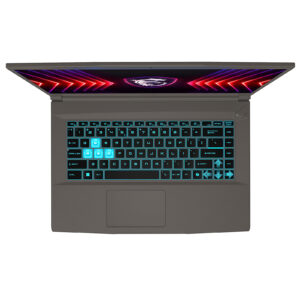
- Gaming keyboard with blue backlighting
- Reliable and high-performance wireless communication: Wi-Fi 6E + Bluetooth 5.3
- Sound system with Nahimic technology
- Integrated 720p HD webcam
- 120W power adapter
- Laptop supplied without an operating system
- Warranty Manufacturer’s 2-year warranty (collection and return on-site in mainland France)
The local Specific Absorption Rate (SAR) quantifies the user’s exposure to electromagnetic waves from the equipment in question. The maximum permitted SAR is 2 W/kg for the head and torso and 4 W/kg for the limbs.
All products sold on the Electrovideo.eu website comply with this regulation. The SAR values for the products concerned are indicated in the product specifications section of the product pages.


Consulter la documentation


De là pour pouvoir désactiver le secure boot qui est grisé dans le menu "sécurité" il faut désactiver le fast boot et assigner un mot de passe administrateur. Au boot suivant, il devient possible de désactiver le sécure boot et ainsi rebooter sur une clef usb.
D'après ce qu'affiche le shell EFI il semble qu'il y avait une installation d'un windows sur le SSD mais pas moyen de le démarrer.
J'aurais apprécié qu'il y ait eu une petite notice avec le PC pour m'éviter de chercher cette solution. La machine étant vendu sans OS on s'attend à pouvoir installer celui de son choix sans devoir bricoler.